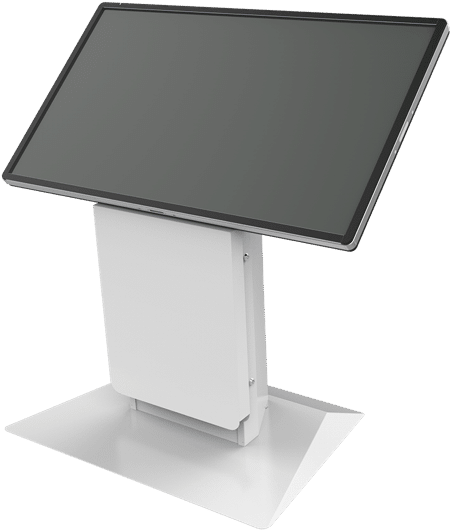
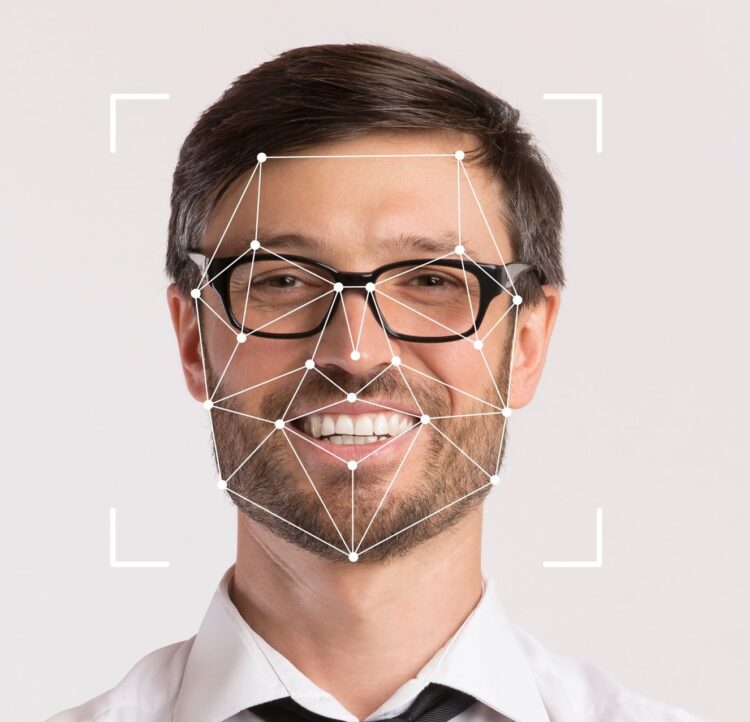
Facial recognition technology has moved from science fiction to everyday infrastructure. Travelers verify their identity at airport kiosks in seconds. Hotel guests check in without stopping at a front desk. Stadium fans pay for concessions with nothing more than a glance. The technology is mature, proven, and increasingly expected.
But not all facial recognition kiosk hardware is created equal. The hardware you choose sets the foundation for everything that follows, and the wrong choice means slow authentication, frustrated users, and a security posture that’s weaker than it appears. Here’s what to evaluate when selecting the kiosk hardware itself.
1. Accuracy Backed by Independent Testing
Start here. The most important question to ask any vendor is whether their facial recognition camera has been independently evaluated by the National Institute of Standards and Technology (NIST). NIST runs the Face Recognition Vendor Test (FRVT), the industry’s gold standard for measuring matching accuracy, speed, and demographic fairness.
A vendor who can’t point you to a strong NIST ranking is asking you to take their word for something that can be independently verified. Insist on it. Beyond overall accuracy, ask specifically about false acceptance rate (how often an unauthorized person is incorrectly granted access), false rejection rate (how often a legitimate user is incorrectly denied), and whether bias testing has been conducted across gender, age, and skin tone.
2. Presentation Attack Detection (PAD)
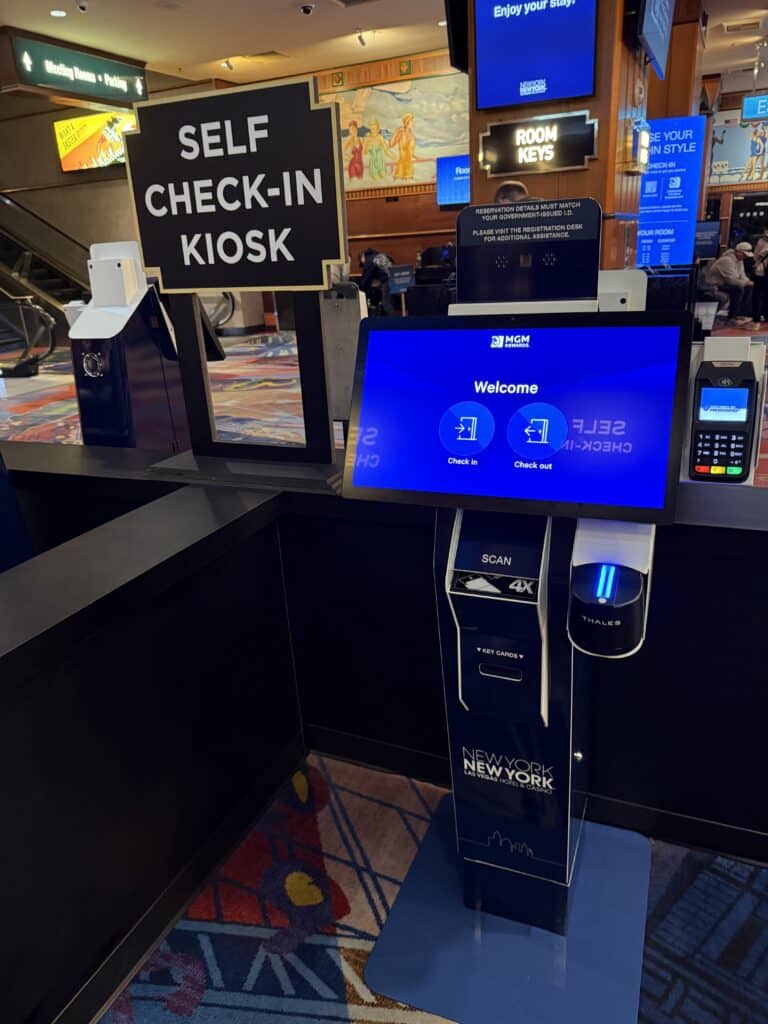
Facial recognition kioks hardware is only as secure as its ability to detect spoofing. Sophisticated bad actors can attempt to fool cameras using printed photos, video replays, or 3D masks. Presentation attack detection (PAD), also called liveness detection, is the hardware capability that distinguishes a real face from a fake one.
Ask vendors whether the system uses passive liveness detection (no user action required) or active (user must blink, nod, or speak), which spoof categories it detects, and whether PAD has been tested in real-world conditions rather than a controlled lab. For high-security applications like border crossings, financial services, and age verification, PAD is necessary.
3. Edge Processing vs. Cloud Processing
Where biometric matching happens matters, both for privacy and performance. Edge processing means the facial recognition computation occurs on the device itself, so biometric data never leaves the kiosk. This approach is faster (no round-trip latency), more resilient (works even without internet connectivity), and significantly stronger from a privacy standpoint.
Cloud processing sends biometric data to a remote server for matching. It can offer easier software updates, but introduces latency, network dependency, and greater regulatory exposure. For most enterprise deployments, edge processing is the preferred architecture. Verify which approach the hardware supports and be skeptical of any system that doesn’t have a clear, documented answer.
4. Modular Hardware Design
Your requirements today are not your requirements in two years. A kiosk platform built around a fixed hardware configuration locks you into yesterday’s capabilities. Look for modular kiosk designs that can accommodate facial recognition cameras, fingerprint scanners, barcode and QR readers, ID document readers, card printers, RFID readers, and payment hardware, all within the same enclosure.
The ability to swap, add, or upgrade peripherals without replacing the entire unit dramatically reduces total cost of ownership and future-proofs your investment. This is especially important for multi-site deployments where different locations may have different authentication requirements.
5. Physical Design and Accessibility
The best authentication technology fails if users can’t physically interact with the kiosk comfortably. Evaluate the physical design carefully:
• Screen height and camera placement: Is the display and camera positioned to serve users of varying heights, including wheelchair users? ADA-compliant kiosks must meet specific reach range and operable parts requirements.
• Interface lighting: Some kiosk designs incorporate directional lighting that illuminates the user’s face for optimal camera capture, an advantage in variable-lighting environments like lobbies and outdoor installations.
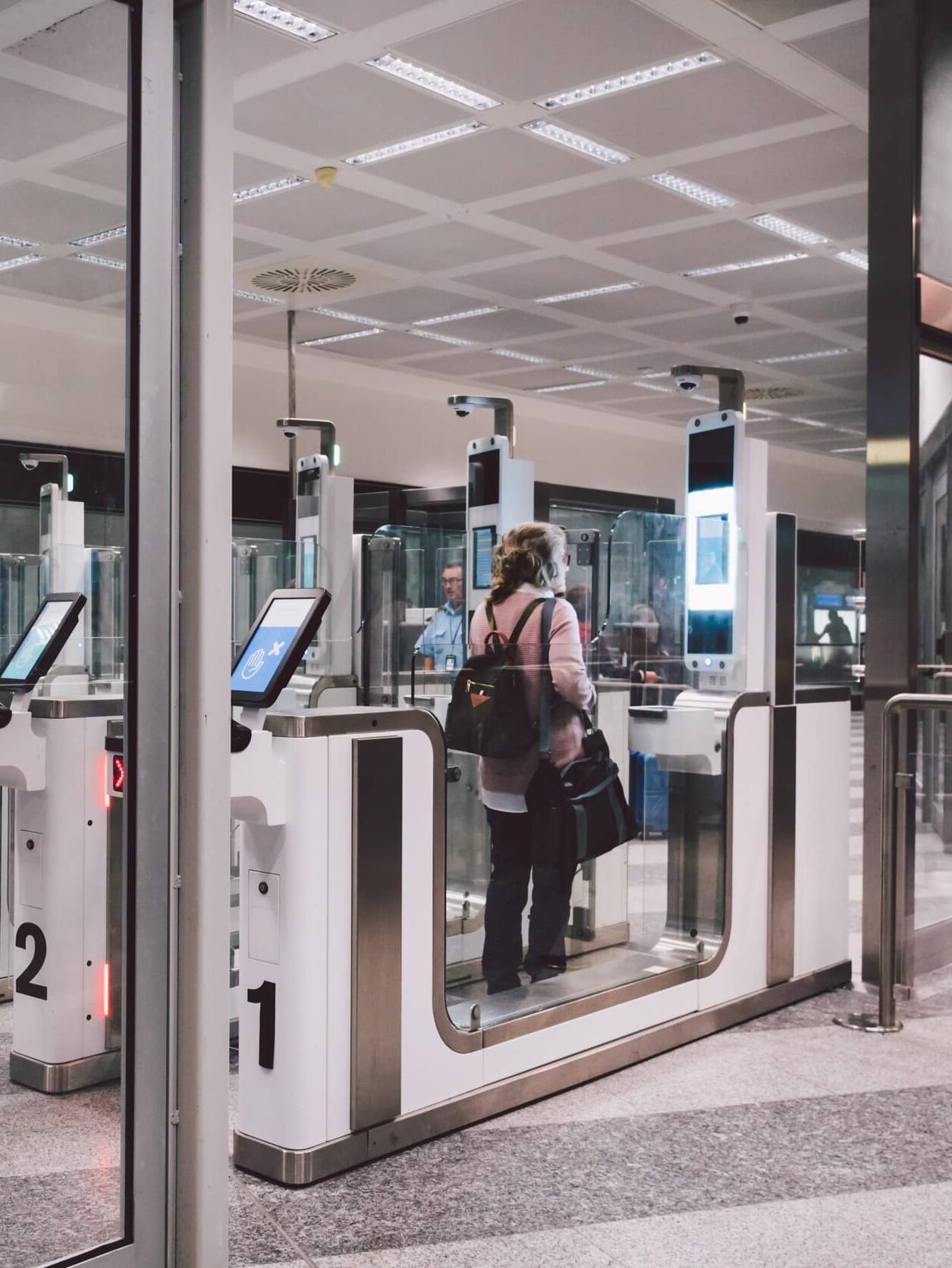
• Form factor: Does the unit suit the deployment environment? A freestanding kiosk works in an airport terminal; a desktop or wall-mounted unit may be more appropriate for a hotel front desk or clinic.
• Durability: High-traffic public deployments require vandal-resistant materials, sealed connectors, and surfaces that can be cleaned frequently without damage.
6. Manufacturer Track Record and Support
Self-service kiosks are infrastructure. They operate in demanding physical environments, often around the clock, and failures carry real operational costs. Evaluate your manufacturer’s deployment history at the scale you need, whether hardware is built in-house with full quality control or assembled from commodity parts, and what remote monitoring and support response times look like. As supply chains tighten, also ask how the manufacturer ensures component availability for multi-year deployments.
Questions to Ask Your Kiosk Hardware Manufacturer
1. What biometric camera systems does your kiosk support, and what are their NIST FRVT rankings?
2. Does the hardware support edge (on-device) biometric processing?
3. What presentation attack detection capabilities does the integrated camera provide?
4. What is the authenticated throughput speed in a high-volume environment?
5. Can the kiosk accommodate additional peripherals in the future without replacing the unit?
6. Does the kiosk meet ADA requirements for reach range, operable parts, and screen placement?
7. What is your warranty, remote monitoring capability, and hardware support response time?
Hardware Is the Foundation — But Not the Whole Story
Choosing the right facial recognition kiosk hardware is the essential first step. But a successful facial recognition deployment also requires the right software platform, a properly architected biometric database, and a clear plan for enrollment, fallback workflows, and compliance. We’ll cover those considerations in a follow-up piece.
At Olea Kiosks, we design and manufacture biometric kiosk hardware for some of the most demanding environments in the world Our HYPERMODULAR™ platform integrates leading facial recognition technology, including HID’s U.ARE.U Camera Identification System, ranked among the top performers by NIST, with the flexibility to accommodate the full range of peripherals your application requires.
Contact our team to talk through your hardware requirements.