The Highlights: What questions should you ask a kiosk manufacturer? A successful kiosk deployment depends on more than the kiosk itself. The organization deploying the kiosks has to make key decisions early, get its sites and staff ready, plan for how customers will actually use the kiosks, and set up maintenance after launch. Teams that plan for their share of the work usually go live faster, with fewer hiccups, and they see more people use their kiosks.
Key takeaways
• A kiosk deployment is a project, not a delivery.
• Decide on requirements early. Software can change after launch, but hardware is hard to change once it’s built.
• Your sites need power, network access, the right placement and sometimes construction before the kiosks arrive.
• Your staff need to know how to use the kiosks and how their jobs will change.
• A kiosk only works if people use it. Put it where customers already need it and remove extra steps.
• Plan for maintenance, monitoring and support before you go live.
Why doesn’t “build it and they will come” work for kiosks?
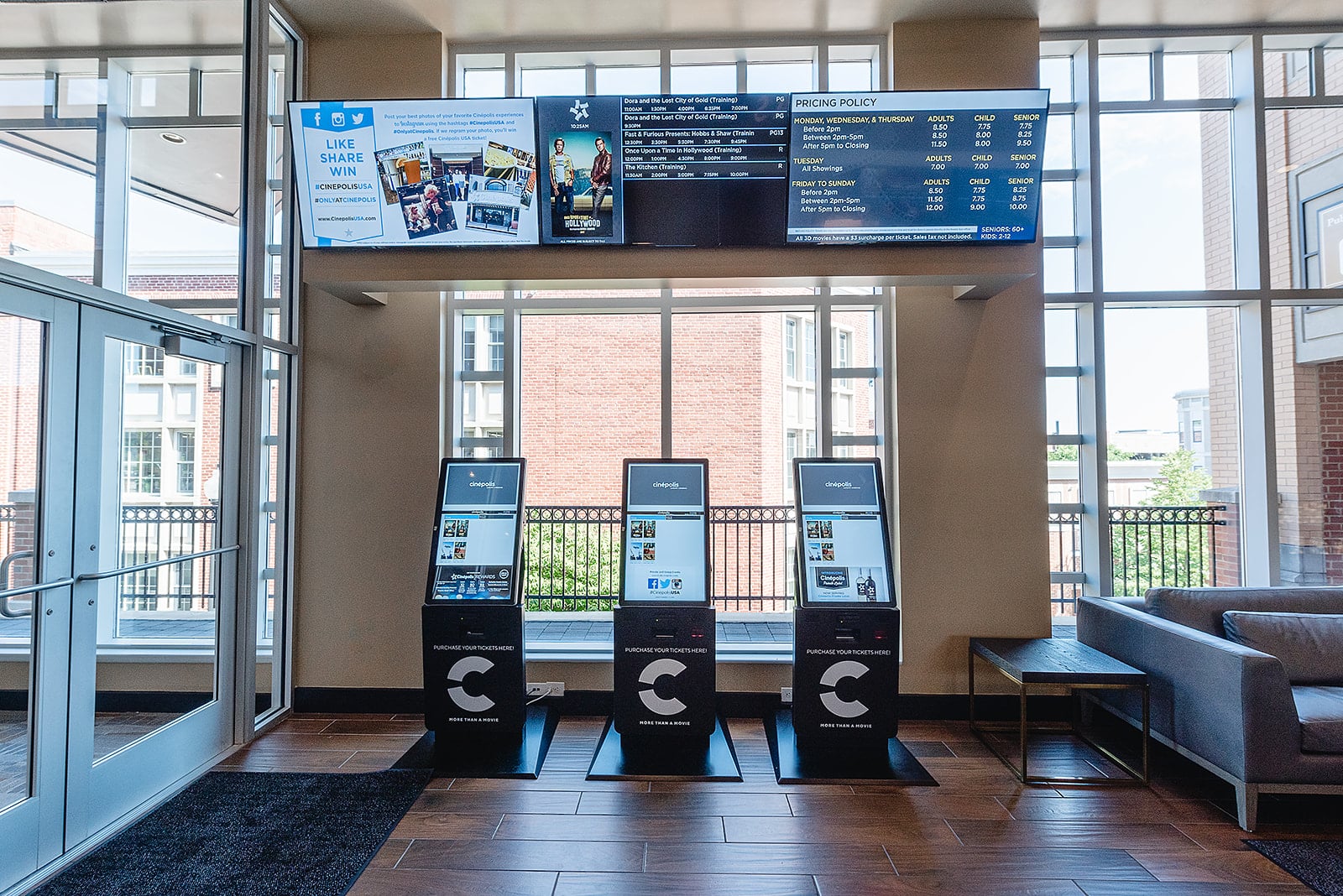
“Build it and they will come” doesn’t work for kiosks because installing a kiosk doesn’t guarantee that people will use it. A well-built kiosk can arrive ready to plug in and turn on. But a successful deployment depends on what happens around the kiosk: where it’s placed, how it fits into your operations, and whether it meets a need your customers already have.
Many organizations expect to set a kiosk on a counter and watch results roll in. In reality, the kiosk has to be in the right spot, supported by your staff, and connected to how your business already operates. Without that, even a great kiosk can sit unused.
The kiosk manufacturer builds the hardware. Your team sets the kiosk up to succeed. That includes early decisions, site preparation, staff training, customer adoption and ongoing care. The good news is that all of this can be planned.
What should you decide before your kiosks are built?
Before production starts, you should decide exactly what your kiosk needs to do and what it needs to include. Changes made late in the process cost time and money.
Here’s why this matters. Software teams are used to fixing things with an update. Hardware doesn’t work that way. Once a kiosk enclosure is designed and built, changing it can mean new parts, new testing and a delayed schedule.
Decide these things early:
• The main job of the kiosk. Is it for ordering, check-in, ticketing, payments, visitor management or something else? This is about the problem that it is solving.
• Peripherals. Does it need a payment terminal, receipt printer, barcode scanner, ID reader or camera?
• Mounting style. Will it sit on a counter, stand on the floor or mount on a wall?
• Accessibility. Can people in wheelchairs and people with low vision or hearing needs use it? In the U.S., ADA guidelines apply to many kiosk placements.
• Software. Which software will run on it, and what does that software need from the hardware?
Tip: Name one person who can approve the final specs. Projects often stall when no one has the authority to say yes.
How do you get your sites ready for kiosks?
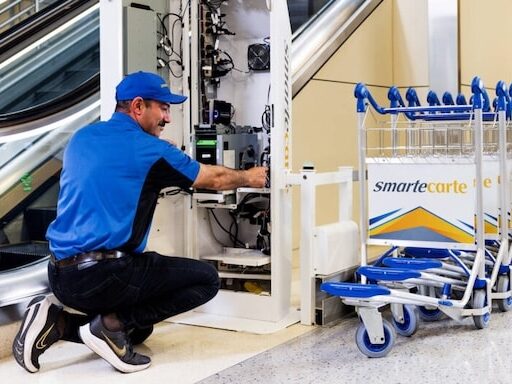
To get a site ready, you need a spot for the kiosk(s), power and network access, and any needed construction finished before installation day. Site problems are one of the most common causes of delays.
Walk through each location and check the following:
• Placement. Is the spot easy to see and easy to reach? Will a line of people block a doorway or walkway?
• Power. Are there outlets in the right place, or will you need to bring in an electrician?
• Network. Does the kiosk need a wired connection, Wi-Fi or cellular? Is the signal strong enough in that exact spot?
• Construction. Does a counter need to be cut, a wall reinforced or a floor anchored? Who is doing that work?
• Approvals. Do you need sign-off from a landlord, facility manager or local permit office?
If you’re rolling out kiosks at many locations, do a site survey at each one and build a rollout schedule. Every location is a little different, and small surprises add up fast.
How do you prepare your team?
You prepare your team by assigning clear owners for the rollout and training staff before the kiosks go live. A kiosk changes how people do their jobs, so your team needs to be ready for that. Determine what roles will be altered and the training that needs to surround those roles.
Make sure you know:
• Who owns the project. Name one internal lead who works with IT, operations and front-line managers.
• Who receives and installs the kiosks. Someone needs to be on site when the kiosks arrive.
• Who brings them online. Someone needs to power up each kiosk, confirm it connects to your systems and run a quick test before customers use it.
• How staff will be trained. Staff should know how to use the kiosk, how to help customers who get stuck, and what to do if it stops working.
It’s also important to explain to staff why the kiosks are coming. When staff understand that kiosks are there to help them, not replace them, they are more likely to support the rollout.
How do you get people to actually use the kiosks?
People use kiosks when the kiosk meets a need they already have and makes things easier. A kiosk that works perfectly but sits unused is still a failed deployment.
Follow these principles:
• Meet an existing need. A kiosk should serve demand that already exists, like people waiting to order, check in or pay. Don’t expect a kiosk to create demand just by being there.
• Remove extra steps. A big advantage of a kiosk is that it’s already there and connected. People don’t need to download an app, scan a code or type in their card number on their phone. Every extra step lowers usage.
• Support your staff. Don’t replace them. The best kiosk deployments free staff from routine tasks so they can spend more time helping customers. If a kiosk becomes an excuse to stop talking to customers, the experience gets worse.
• Fit it into your workflow. Orders should go straight to the kitchen. Check-ins should go straight to the front desk. The kiosk should connect to what your team already does.
What do you need to plan for after launch?
After launch, you need a plan for maintenance, monitoring and support. Kiosks are used every day by the public, so they need regular care.
Plan for:
• Cleaning and supplies. Screens get dirty and receipt paper runs out. Decide who checks on these things and how often.
• Monitoring. Decide how you’ll know when a kiosk goes offline and who gets the alert.
• Service and repairs. Know your support agreement, how fast repairs happen and whether you have spare units.
• Software and content updates. Menus, prices, promotions and software all change over time. Decide who manages those updates.
What questions should you ask a kiosk manufacturer?
You should ask a kiosk manufacturer how quickly they can get your project from order to go-live and what they will need from you along the way. Many requests for proposals (RFPs) focus on how many units a manufacturer can build. But most projects never come close to a manufacturer’s limit. Speed to go-live and support through the whole deployment matter more.
Good questions to ask:
- What’s a realistic timeline from order to go-live for a project our size?
- What will you need from us, and when?
- How do you keep quality consistent on large orders?
- What help do you provide during activation and after launch?
- Can you share examples of rollouts similar to ours?
Choosing a kiosk partner is a lot like hiring someone. You’re not just asking what they can do on paper. You’re asking how well they will work with your team, in your space, on your schedule.
Kiosk deployment readiness checklist
Before you order
- Main use case defined
- Peripherals and mounting style chosen
- Accessibility requirements reviewed
- Software requirements confirmed
- One decision-maker named to approve specs
Before delivery
- Site surveys done at each location
- Power and network ready at each kiosk spot
- Construction finished
- Landlord, facility or permit approvals in place
- Internal project lead named
- On-site receiving and install contact at each location
At go-live
- Kiosks activated and tested
- Staff trained on use, customer help and basic troubleshooting
- Kiosks connected to existing workflows (kitchen, front desk, etc.)
- Placement checked for visibility and traffic flow
After launch
- Cleaning and supply schedule set
- Monitoring and alerts set up
- Service agreement and spare-unit plan in place
- Owner named for software and content updates
Frequently asked questions
How long does a kiosk deployment take?
It depends on the size of the project, how ready your sites are and how quickly decisions get made. Small pilots can move quickly. Large, multi-site rollouts take longer because of site prep, construction and training. Making decisions early is one of the best ways to shorten the timeline.
Why do kiosk deployments struggle?
Most kiosk deployments struggle because of planning gaps, not hardware problems. Common causes include late design changes, sites that aren’t ready, untrained staff and kiosks placed where customers don’t need them.
Should kiosks replace staff?
No. Kiosks work best when they support staff. They handle routine tasks so employees can spend more time helping customers.
Who is responsible for site preparation?
In most projects, the organization deploying the kiosks is responsible for site preparation, including power, network access and any construction. Confirm responsibilities with your kiosk partner and installer before the project starts.
Why use a kiosk instead of a mobile app or QR code?
A kiosk is already on site and connected, so customers don’t have to download anything or use their own phone. Fewer steps usually means more people use it.
The bottom line
A successful kiosk deployment is shared work. The manufacturer builds the kiosk, but your team makes the decisions, prepares the sites, trains the staff and keeps things running after launch. The earlier you plan your side of the work, the smoother your rollout will be.
Planning a kiosk rollout? Click here to talk with the Olea Kiosks team about your project today.