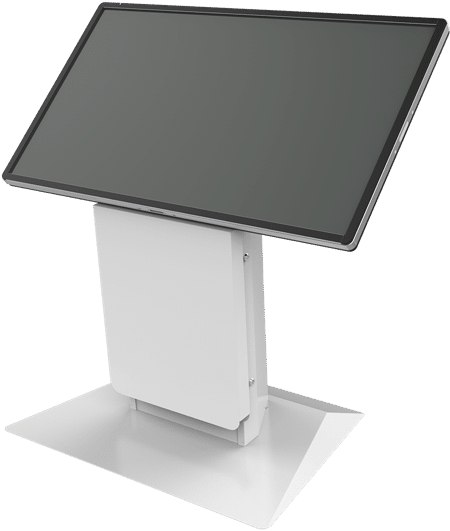
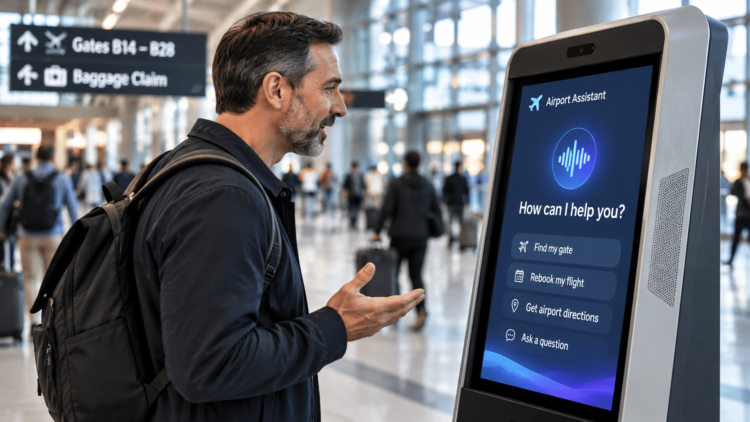
Conversational AI is moving onto self-service kiosks in airports, hospitals, government offices and other complex environments. Whether it works depends heavily on the hardware. The kiosk has to hear one person in a noisy space, respond quickly, protect what it hears, and be upgradeable as AI keeps changing. Organizations are better served by AI-ready kiosk hardware than by an ‘AI kiosk’ tied to a single vendor’s software.
How will AI change self-service kiosks?
For most of their history, kiosks have worked one way: a touchscreen, a menu and a series of buttons. That’s changing. In 2026, conversational AI moved out of call centers and websites and into physical spaces.
Airports have moved fastest. Miami International Airport launched conversational agents that know where a traveler is in the terminal. Boston Logan added a life-size AI concierge that gives directions and answers questions in several languages. Governments are moving too. Nebraska expanded an AI assistant across state government after a DMV pilot showed it could steer residents to online self-service instead of the phone. Health systems are adding voice AI to phone lines and patient intake. As people get used to asking for help in their own words online and on the phone, they’ll expect the same from the kiosk in front of them.
Most of the headlines have been about restaurant ordering, but that’s the simplest version of the problem. The industry’s own view is that this isn’t touch versus voice. The next generation of kiosks will let people move between touch, voice and screen, whichever fits the moment.
Why does AI matter more in complex environments?
In a lunch line, the choices are limited and the customer knows what they want. In a hospital lobby, an airport terminal or a government office, people are often stressed, unfamiliar with the place and dealing with something that doesn’t fit a menu. That’s where conversation helps most:
• Many languages. Airports, hospitals and public agencies serve people who don’t all read the screen’s default language.
• Situations that don’t fit a button. A patient explaining why they’re there, a traveler with a missed connection, a resident with an unusual case. Menus handle the common cases. Conversation handles the rest.
• Accessibility. Voice can open self-service to people with low vision or limited dexterity, at a time when accessibility rules for kiosks are taking effect.
• Large, confusing spaces. Directions on a hospital campus, in a terminal or around a stadium.
• Fewer rescues. Self-service stops saving time the moment someone gets stuck and a staff member has to step in. AI can help with more of those moments.
What does a kiosk need to support conversational AI?
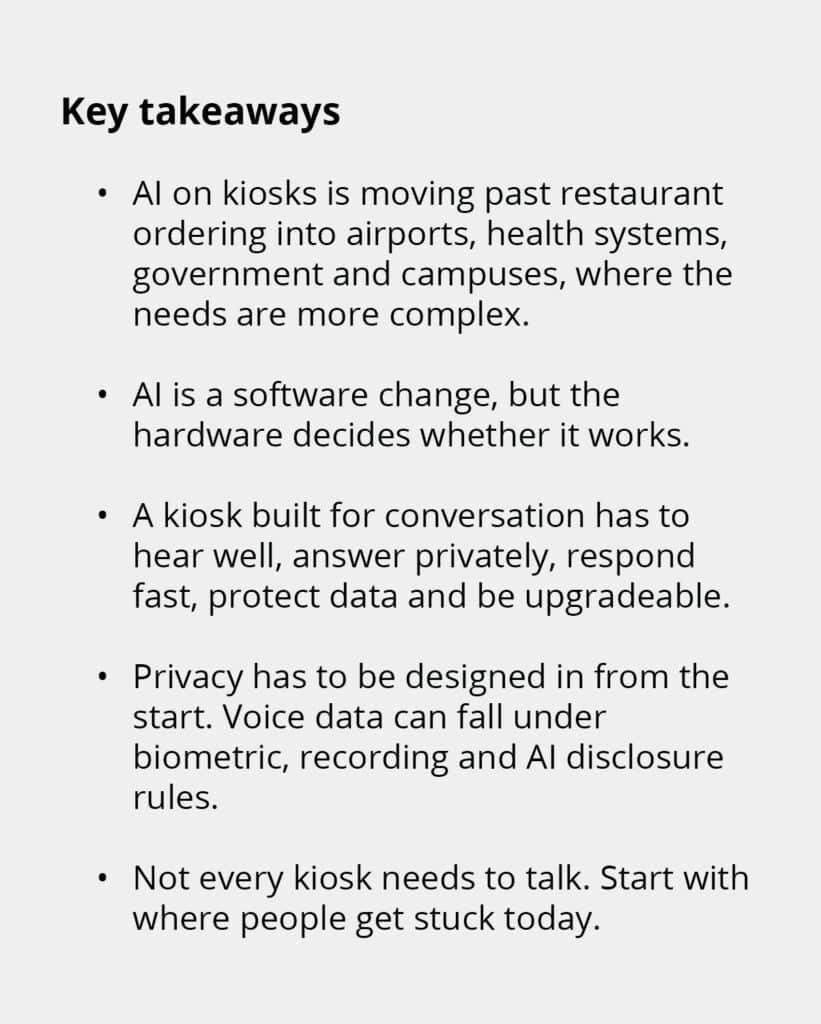
AI is a software change, but the hardware decides whether it works. An AI model can be brilliant in a demo and fail in a terminal if the kiosk can’t hear the person in front of it. Five things matter most.
1. It has to hear one person in a loud place
Airport gates, emergency waiting rooms, stadium entrances and transit stations are noisy. A kiosk built for conversation has to pick out the voice of the person standing in front of it and ignore the crowd, the announcements and its own speaker. That depends on how the audio components are chosen, placed and built into the enclosure. It’s very hard to add well after the fact.
2. It has to answer without broadcasting private information
A kiosk that reads a patient’s appointment details or a resident’s case number out loud in a crowded room creates a new problem. Where the kiosk sits, how it delivers audio and what it shows on screen all need to be designed with privacy in mind, especially in healthcare and government.
3. It has to respond fast enough to feel like a conversation
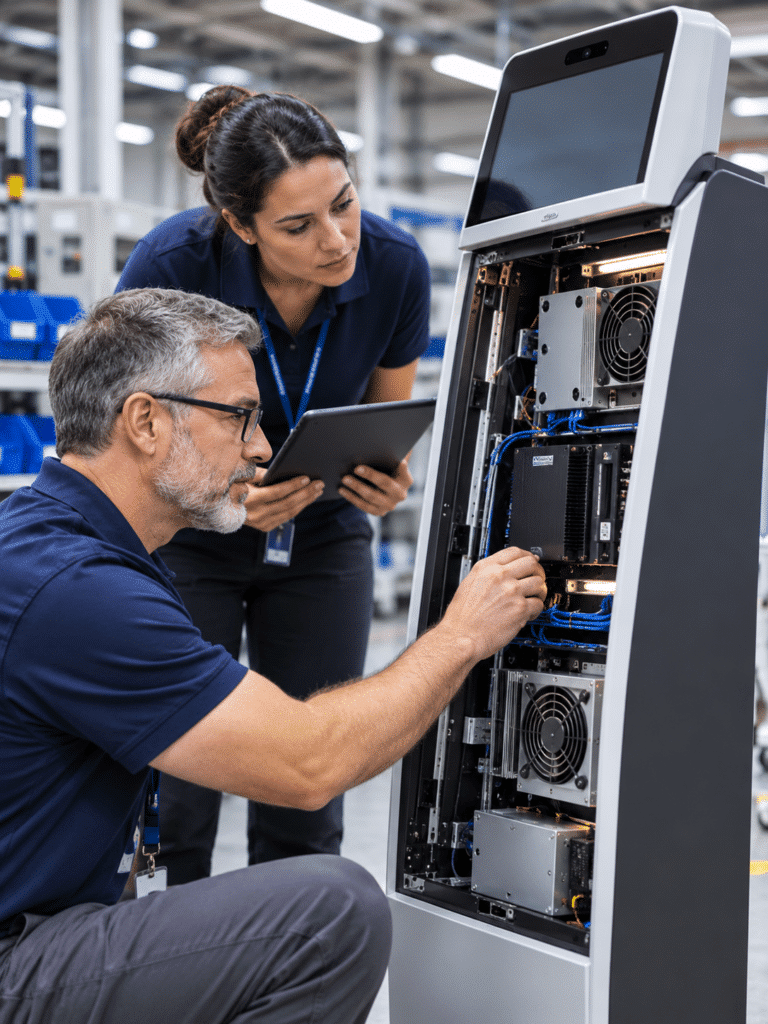
A pause of a few seconds feels natural on a website. Standing at a kiosk, it feels broken. Some AI can run on the kiosk itself instead of in the cloud. Nuremberg Airport, for example, trialed a multilingual assistant that runs entirely on the device. On-device processing can respond faster, keep working if the network drops and keep sensitive audio on site. It also needs computing power and room to keep that hardware cool inside the enclosure.
4. It has to see, when the job calls for it
Some uses need cameras: verifying identity, noticing when someone walks up, or supporting people who communicate visually. Each camera adds privacy, security and placement decisions that belong in the design from the start.
5. It has to keep up as AI changes
AI models are improving every few months. A kiosk deployed today will likely run different AI software in two or three years. If the computing hardware inside can’t be upgraded, the whole kiosk ages out with it. Hardware designed for field upgrades lets the kiosk keep pace with the software.
Olea recommends having a “quasi-software conversation” where they sit down with a customer’s developers before anything is built to work out what the application needs from the hardware and how that might change. It also means the customer’s IT team isn’t left to make the two work together on their own.
How do privacy and trust fit in?
Voice data is more sensitive than it looks. A single conversation can include a name, an account number, a health detail and the sound of someone’s voice, and the rules around it are tightening.
• Voiceprints can be biometric data. Illinois’ biometric privacy law lists a voiceprint alongside fingerprints and face scans, and lawsuits over voice AI are growing. Consent to record a conversation isn’t the same as consent to create a voiceprint.
• People may need to know they’re talking to AI. The EU AI Act adds a duty to tell people when they’re interacting with an AI system, starting in August 2026.
• Industry rules still apply. Healthcare kiosks bring HIPAA. Government kiosks bring security reviews and accessibility requirements.
AI-ready kiosk hardware is part of the answer. What’s processed on the kiosk versus sent to the cloud, how clearly people can tell when the kiosk is listening, and how well the enclosure protects what’s inside are all design decisions. Privacy is easiest to get right on day one and hardest to add later. (Check the rules that apply to your deployment with your own counsel.)
Does every kiosk need voice or AI?
No. For quick, simple tasks, a well-designed touchscreen may be all people need. Voice adds cost, complexity and privacy questions, and it’s only worth it where it solves a real problem.
The better starting question isn’t “should our kiosks have AI?” It’s “where do people get stuck today?” Look for the moments when staff step in, lines back up or people give up. That’s where conversation earns its place. Then test it with a pilot in the real space. A working prototype in a busy lobby will tell you more than any demo.
Not every problem needs a kiosk. For a lot of everyday tasks, a phone app or a website does the job just fine, and we’ll tell customers that. But where a kiosk is the right answer, it can do a lot more than save on labor.
Don’t buy an AI kiosk. Buy a kiosk that’s ready for AI.
It’s tempting to buy a kiosk that comes with its own AI built in. But AI providers, models and pricing are changing quickly, and the right choice for your organization may be different in two years. Tying your hardware to one vendor’s AI can leave you with a fleet that can’t follow your software.
Olea’s approach:
• We don’t write the AI. We work with your software team or AI provider, and with a wide range of device partners, so the hardware fits the software you choose.
• We don’t write the AI. We work with your software team or AI provider, and with a wide range of device partners, so the hardware fits the software you choose.
• We start early. Audio, cameras, computing power and testing get worked out with your developers before anything is built.
• We prototype quickly. Our modular platforms let us put a working, AI-ready kiosk in a real space fast, then refine it from what you learn.
• We design for upgrades. Hardware built to be upgraded in the field can keep pace as AI changes.
What does this look like in your industry?
| Industry | What conversational AI could do | What the hardware has to handle |
| Healthcare | Capture why a patient is visiting in their own words, answer questions in many languages, give directions on large campuses | Privacy in a waiting room, hospital cleaning, accessibility, records integration |
| Airports and airlines | Multilingual help, disruption and rebooking questions, wayfinding | Constant noise, crowds, 24/7 use |
| Government and identity | Walk residents through complex transactions, answer eligibility questions, support identity checks | Security reviews, accessibility rules, protecting personal data |
| Large venues | Entry help, wayfinding, accessibility services | Crowd noise, outdoor conditions, heavy use in short bursts |
| Corporate and university campuses | Visitor check-in, badge printing, directions, after-hours help | Integration with access control and visitor systems |
| Transportation | Ticketing help, schedule changes, multilingual service | Heavy daily use, unattended locations, cash and card payments |
Questions to ask before adding AI to your kiosks
• Where do people get stuck or need staff help today?
• How loud is the space, and can the kiosk hear one person in it?
• What will people say out loud, and who else might hear it?
• Will the AI run on the kiosk, in the cloud or both? What happens if the network drops?
• What does the kiosk record or keep, and do people know they’re talking to AI?
• Can the computing hardware, audio and cameras be upgraded without replacing the kiosk?
• Is the hardware tied to one AI vendor, or ready for whichever you choose?
Frequently asked questions
Will AI replace kiosk touchscreens?
Not likely. The direction is toward kiosks that combine touch, voice and screen, so people can use whichever fits the moment.
Can AI run on a kiosk without the cloud?
Some can. On-device AI can respond faster, keep working during network outages and keep sensitive audio on site, but it needs the right computing hardware inside the kiosk.
Is voice data from a kiosk regulated?
It can be. Depending on where and how the kiosk is used, recording laws, biometric privacy laws, AI disclosure rules and industry rules like HIPAA may apply.
Can existing kiosks be upgraded for AI?
Sometimes. It depends on whether the kiosk was designed so its computing hardware, audio and cameras can be upgraded. Planning for upgrades before the kiosk is built makes it much easier.
The bottom line
Conversational AI can make self-service work for more people in more situations, especially in the complex places where it’s hardest. But the AI is only as good as the hardware it runs on. Start with where people get stuck, choose hardware that’s ready for whichever AI you pick, and plan for the AI to keep changing.
Thinking about a new kiosk project? Tell us where you’re getting stuck today and arrange a call with one of our team members.