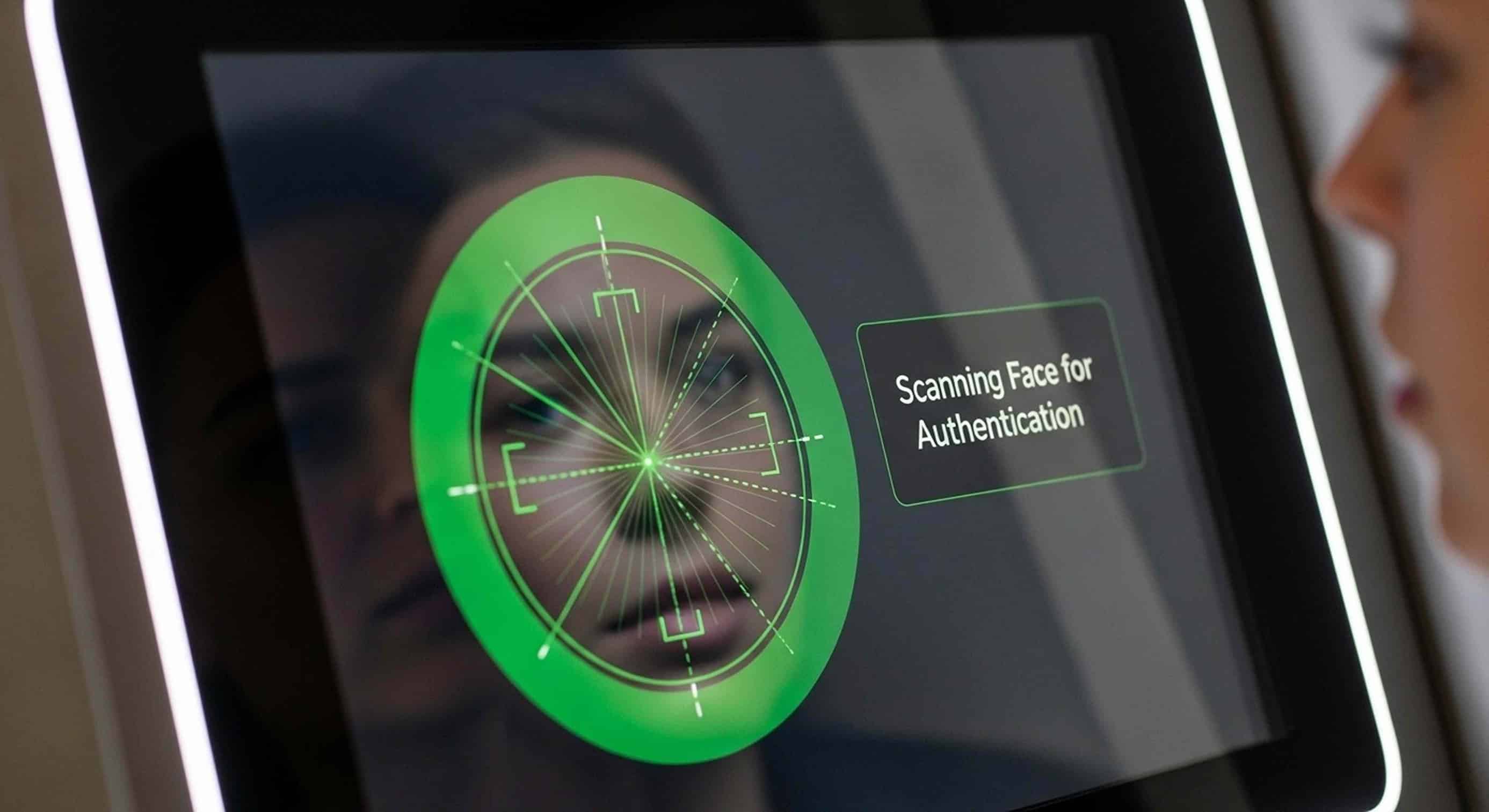
Facial recognition has quietly become part of everyday life. Travelers use it to check in at airport kiosks in seconds. Hotel guests use it to skip the front desk. Patients use it to register for appointments with just a glance, instead of filling out a clipboard.
For IT and operations teams making kiosk decisions, this technology is changing fast. Those changes already affect what belongs on your hardware roadmap. Here is what’s actually new, and what it means for your next deployment.
From “Matching Faces” to “Understanding Identity”
Early facial recognition systems did one simple thing. They compared a new photo to a stored photo and gave a match score. That is no longer the whole picture.
The technology is now moving toward systems that use more than just a face. They combine facial data with other signals, like behavior patterns, ID document checks, and other types of biometrics. Together, these build a fuller picture of a person’s identity instead of relying on a single comparison.
In practice, this means facial recognition is often paired with fingerprint scanning, ID document readers, or RFID cards, rather than working alone. For example, a hotel check-in kiosk might combine a facial scan, a passport scan, and a reservation lookup all in one step.
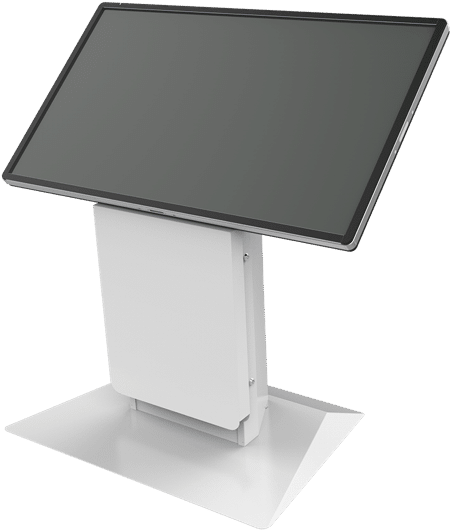
What this means for your hardware: A kiosk built around just one fixed camera is already falling behind. Look for platforms that can hold multiple biometric tools side by side, so you can combine them as your needs change.
Passive Liveness Detection Is Becoming the Standard
Spoofing attempts, like using a photo, a mask, or fake deepfake video, have gotten more advanced. So has the technology that stops them. This is called liveness detection, or presentation attack detection (PAD).
The big shift in 2026 is toward passive liveness checks. These confirm that a real, living person is standing in front of the camera, without asking them to blink, turn their head, or follow instructions on a screen.
This matters more than it might sound. Active liveness checks, the kind that ask you to do something, slow down every single transaction. Passive checks keep the “one look and you’re through” experience fast, while still guarding against spoofing and deepfakes. This is a growing concern, since new AI tools make fake images and video cheaper to create.
What this means for your hardware: Ask vendors directly if their liveness detection is passive or active. Ask how well it holds up against modern spoofing methods, not just a photo held up to the lens.
Edge Processing Is Winning Out
Where does the actual face matching happen? On the kiosk itself, or on a server somewhere else? This has become one of the biggest questions in the industry.
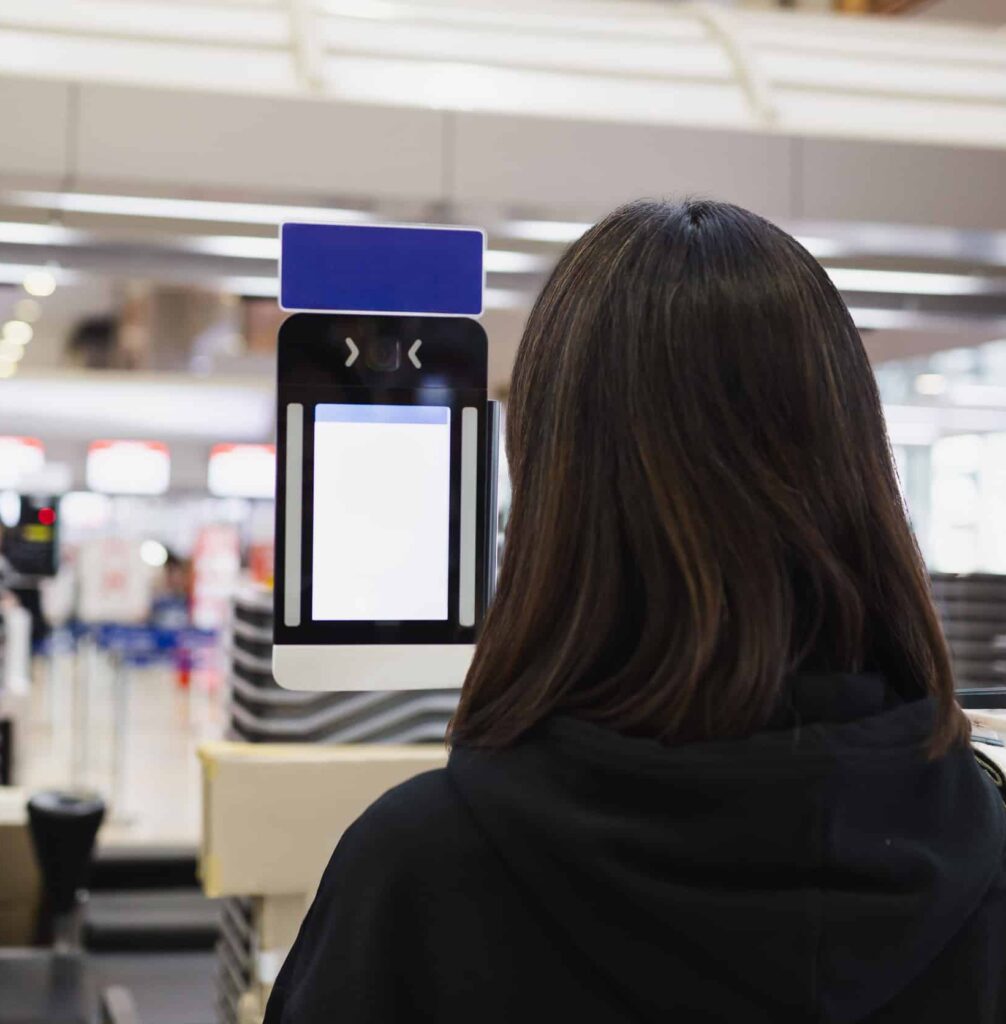
Edge processing means the matching happens right on the device. This cuts out delays from sending data back and forth over the internet. It also means the kiosk keeps working even if the connection drops. And it lowers the legal risk that comes with sending or storing biometric data somewhere else.
Cloud based matching still has its place. It can make software updates and management easier. But for most business deployments handling sensitive biometric data, edge processing has become the preferred choice, especially as privacy laws get stricter.
What this means for your hardware: Get a clear, documented answer from any vendor about where matching actually happens. A vague answer like “it depends” is a warning sign.
Privacy Rules Are Now a Buying Decision, Not Just a Legal One
Biometric data carries more legal weight than most other kinds of data. And privacy rules are getting stricter around the world, from the European Union’s AI Act to a growing number of state laws in the U.S.
In response, vendors are spending more on consent based sign up steps, encrypted storage for biometric data, and work to reduce bias in how their systems are trained and matched.
For IT and operations teams, this means evaluating a vendor is about more than speed and accuracy. A vendor’s privacy design, data storage habits, and legal compliance now matter just as much as how fast their kiosk can confirm someone’s identity.
What this means for your hardware: Treat privacy design as a required item on your buying checklist, not something to fix after the kiosk is already installed.
Why NIST Rankings Still Matter
One thing has not changed. Independent testing is still the best way to tell real performance apart from marketing claims.
The National Institute of Standards and Technology, or NIST, runs the industry’s most trusted tests of facial recognition systems. These tests measure accuracy, speed, and how well a system performs across different groups of people. They use huge, standardized sets of images that no single vendor controls.
NIST recently reorganized its long running Face Recognition Vendor Test program into two separate evaluations. One focuses on core face matching accuracy. The other focuses on broader facial image analysis. This shows how much more this technology now does, beyond simple matching.
Vendors that submit to these tests and score well have real proof to point to, not just their own marketing claims. HID Global’s facial biometrics solutions are one example of a recognition engine that documents its NIST performance.
What this means for your hardware: Ask any vendor for their current, specific NIST ranking. Do not settle for a general claim like “top rated” or “industry leading.” If they can’t show a documented result, take note.
Bringing It Back to Your Kiosk Roadmap
None of these changes are happening on their own, and none of them are finished evolving. That is the real lesson for anyone making kiosk hardware decisions in 2026. Facial recognition is no longer a single feature you add to a kiosk. It is part of a bigger identity system that will keep changing as AI, regulations, and security threats keep changing too.
The practical takeaway is simple. A modular kiosk platform, one that can take on new sensors, swap out parts, and adjust to new requirements without a full replacement, is a much safer long term investment than a fixed, single purpose device. What you install today should still make sense two or three technology cycles from now.
Have questions about what facial recognition hardware makes sense for your environment? Read our buyer’s guide or talk to the Olea team about your next deployment.