Self-service kiosks have taught users a strange little routine for years: look at the camera, blink twice, turn your head to the left. This routine is called active liveness detection. It has been the industry’s main defense against someone holding up a photo or mask to fool a facial recognition camera. In 2026, this routine is disappearing.
Passive liveness detection is the biggest shift in facial recognition kiosk technology this year. Instead of asking users to do something, it confirms that a real, living person is in front of the camera. It does this using signals the system reads automatically, like texture, depth, light reflection, and small facial movements, all during a normal, one-look face scan. No blinking. No head turning. No instructions.
For kiosk operators, this isn’t just a nice upgrade. It’s a direct response to a fraud problem that’s growing faster than most older systems were built to handle.
Why Liveness Detection Matters Right Now
Facial recognition alone was never built to answer one key question: is this a real person, or a fake? That job belongs to liveness detection, also called presentation attack detection (PAD).
The threat has grown fast. Deepfake identity fraud is expected to jump nearly 500% in 2026. This is driven by AI tools that make it cheap to create a convincing fake face, voice, or document. The numbers back this up. About 1 in every 100 identity check failures now involves a deepfake document, image, or liveness video, according to LexisNexis Risk Solutions. The company has also tracked a 180% year-over-year increase in these attacks. Passports, driver’s licenses, and national ID cards are the documents targeted most, since they are valuable and can be reused across many fraud attempts.
The scale of the problem is growing too. Juniper Research estimates that global digital identity verification checks will reach 100.4 billion in 2026, a 16% increase from the year before. That means even a small failure rate adds up to a large amount of successful fraud.
This is the backdrop driving 2026’s shift toward passive liveness detection. It needs to catch increasingly convincing fakes without slowing down the real users a kiosk is meant to serve quickly.
Active vs. Passive Liveness Detection: What’s the Difference?
Active liveness detection asks the user to complete a prompted action, like blinking, smiling, turning their head, or following an on-screen dot. This lets the system confirm a real-time human response. It works, but it adds friction. It can also confuse some users, especially older adults or people with mobility or vision challenges. And it slows down busy environments where speed is the whole point of going self-service.
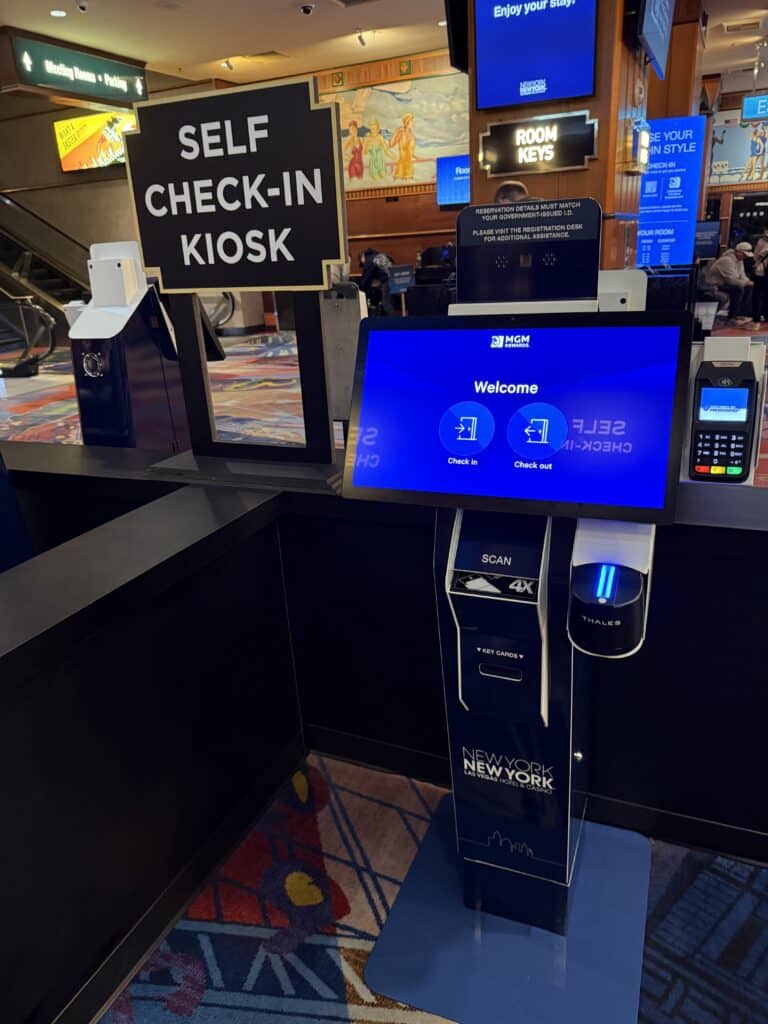
Passive liveness detection works in the background. The user just looks at the camera like they normally would. The system analyzes facial texture, depth, reflections, and small movements to confirm the face is real, not a photo, screen replay, or mask. There’s no extra step, and when it’s done well, no extra wait.
This close analysis matters because deepfakes rarely fail in one obvious way. As Sutherland notes, deepfakes typically fail on several small flaws instead of the one big giveaway that exposes a physical forgery. This is exactly why passive systems check small facial muscle movements and light reflection instead of relying on a single visual cue that a human reviewer might miss.
For a self-service kiosk, the appeal is clear. Passive liveness closes a real security gap without asking users to do anything they weren’t already doing.
What This Means for Your Next Kiosk Deployment
Not every system labeled “liveness detection” supports passive checks. And not every passive system is tested against the same types of fakes. Before your next deployment or hardware refresh, bring these questions to any vendor conversation:
• Is liveness detection passive, active, or hybrid? Hybrid systems use passive checks by default and only trigger an active challenge when something looks off. This is a useful middle ground for higher-risk cases like age verification or financial transactions.
• Which types of fakes has it been tested against? Ask specifically about photos, video replays, 3D masks, and AI-generated deepfake video, not just a general claim of being “spoof-resistant.”
• Is there independent certification behind it? Look for testing against standards like ISO/IEC 30107-3 or iBeta PAD, instead of just trusting a vendor’s own claims.
• Does it run on-device (edge) or require a cloud round-trip? Edge processing keeps biometric data on the kiosk itself. This matters for both speed and privacy, and it’s quickly becoming a standard expectation, not a premium feature.
• Can it be upgraded without replacing the kiosk? A modular kiosk platform that can add or swap biometric parts as the technology improves is a safer long-term choice than a fixed, single-purpose device.
Where This Shows Up in the Real World
Passive liveness detection matters most in the exact environments where self-service kiosks are growing fastest:
• Hospitality: A hotel check-in kiosk that combines a facial scan, passport read, and reservation lookup can’t afford liveness checks that add extra seconds to an already multi-step process.
• Retail and QSR: Face-based loyalty recognition and age verification at self-checkout need to move fast, and stay secure enough that a photo on a phone screen can’t fool the system.
• Visitor management and access control: Offices, healthcare facilities, and government service centers that are replacing manual front-desk check-in need liveness detection that holds up against real spoofing attempts, not just casual misuse.
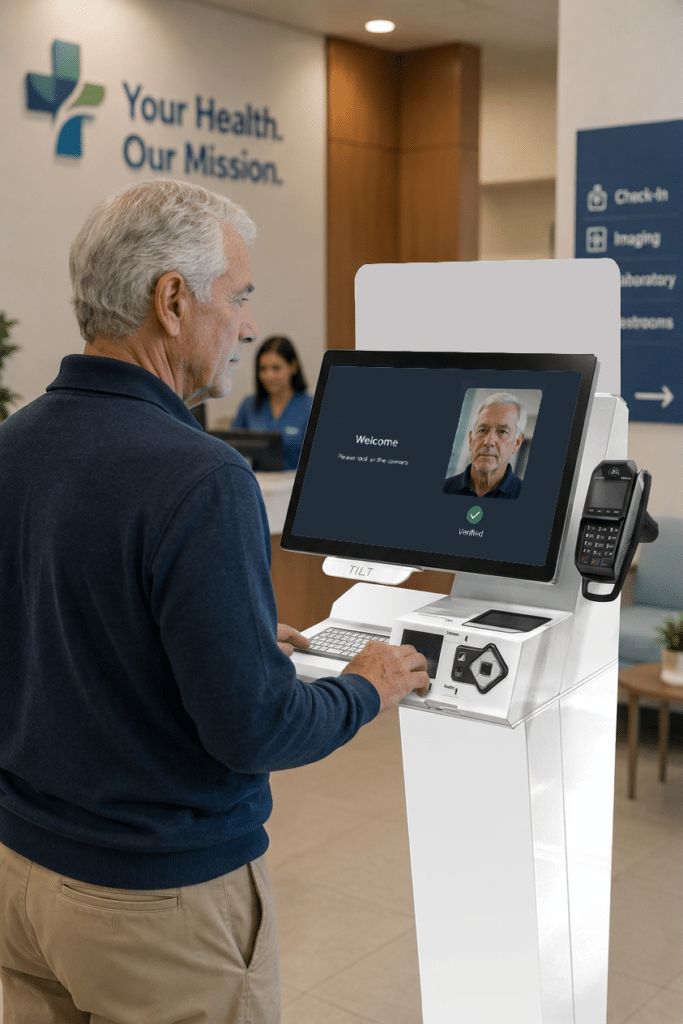
In every case, the tradeoff is the same. Security and usability aren’t competing priorities for self-service. They’re both requirements, and passive liveness detection is currently the best answer for delivering both at once.
The Bigger Picture
Facial recognition is no longer just a single feature bolted onto a kiosk. It’s part of a larger identity system that keeps evolving alongside AI, regulation, and fraud tactics. Passive liveness detection is this year’s clearest example: a quieter, faster, more secure default that users won’t even notice is there.
This shift is being discussed at Identity Week America, taking place September 2 to 3 in Washington, D.C. The agenda includes a panel on next-generation facial recognition with speakers from NIST, U.S. Customs & Border Protection, and FaceTec, plus a session on using facial recognition to fight deepfakes. Olea will be there. If you’re attending, drop us a note to meet up to talk through what passive liveness detection could mean for your next deployment.
If you have questions about what facial recognition hardware makes sense for your environment, read our buyer’s guide or talk to the Olea team.